Press
Press kit
The facts, logo files, stills and credits for writing about Rill. Use the logo files and the app icon as they are.
Logo files and icons
For anything else, write to contact@rill.love.
Fact sheet
- Name
- Rill. On first mention: Rill browser.
- Tagline
- Your browsing. Your agents. One window.
- One line
- A calm Mac browser with your agents in it.
- Description
- Rill is a calm, native Mac browser that sends work to your Claude Code and Codex agents from any page and keeps your browsing as days you can look back on, on the sign-in you already have.
- What it does
-
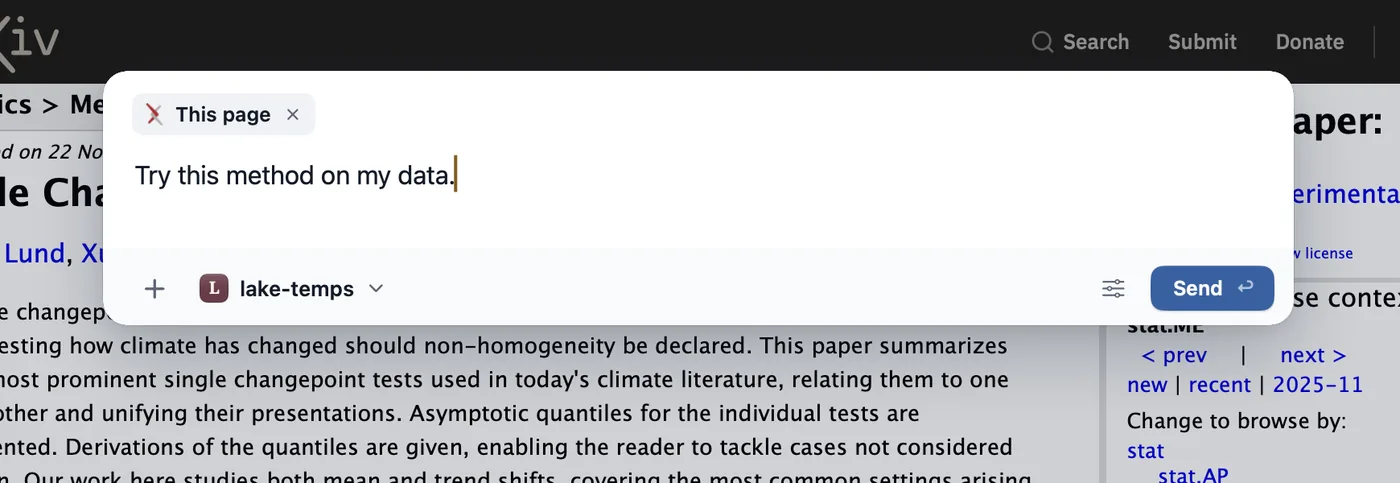
- Sends a task in plain words from any page to the right local project, with a reason, and asks when it isn’t sure.
- Runs your own CLI in the background, with tool steps, diffs and Undo in git repositories.
- Gives agents their own background tabs with separate website data.
- Groups tabs on the start page.
- Writes your history into day episodes.
- Finds a page you remember from a description.
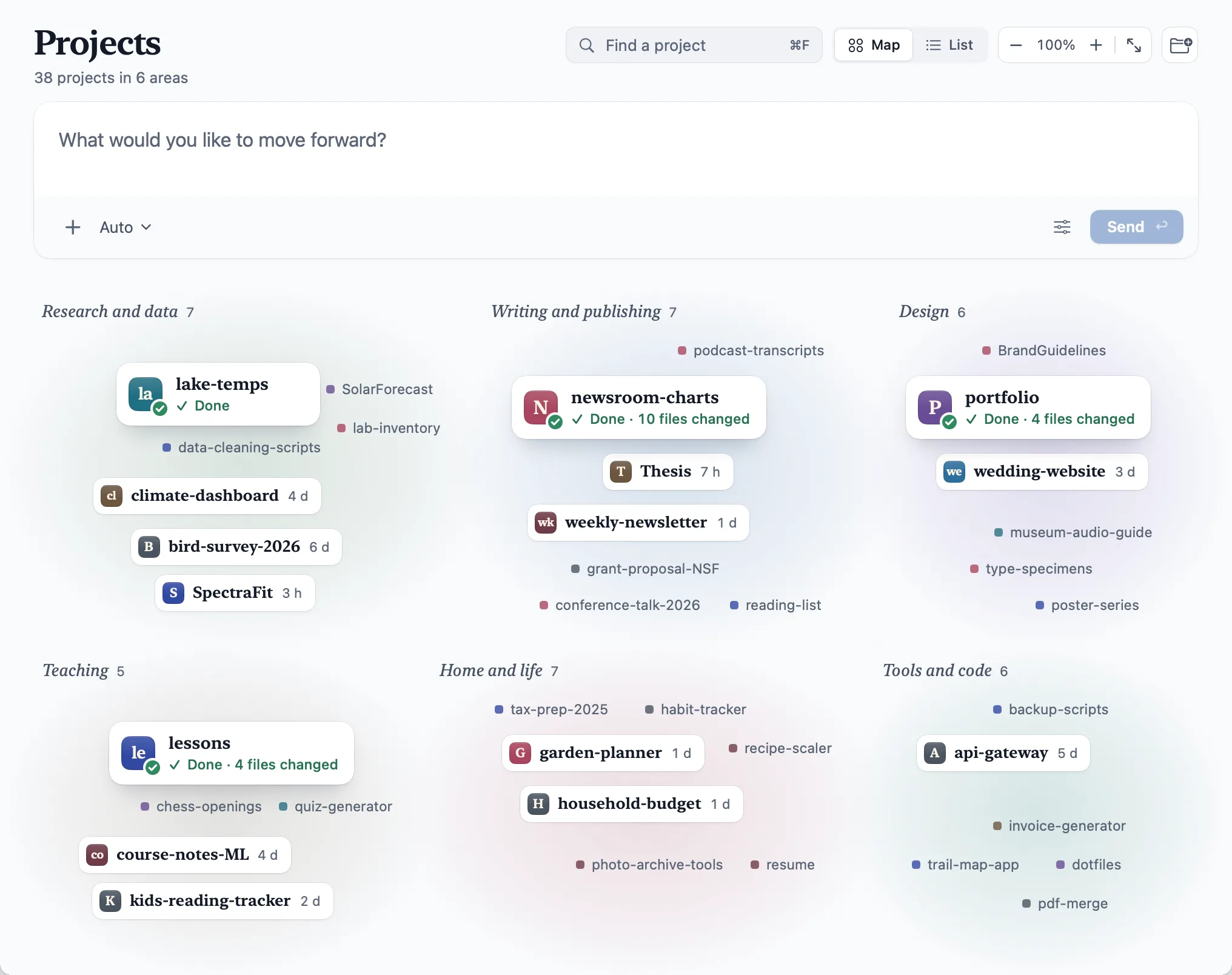
- Shows your projects on a map with AI-named areas.
- Version
- 0.1.0, an early release
- Price
- Free
- Availability
- Now, at rill.love
- Platform
- macOS 14 or later, Apple silicon
- AI requirement
- Claude Code 2.1.261 or later, or the Codex CLI 0.144.4 or later, installed and signed in
- Data
- History and passwords live on your Mac. The privacy page lists what each feature sends to the provider and the files Rill keeps.
- Identity
- A pale, frosted wall with white paper and navy ink (an ink-blue wall with graphite paper in dark mode), a public-domain painting in the window’s corner, and project seals. The mark is a leaf and a round dot: the leaf reads as the r of “rill”, the dot as the i’s dot. The app icon, Clear, sets them in white on frosted sea glass; Tinted, its dark appearance, sets them in icy blue on midnight navy. On light grounds, the leaf is sea glass and the dot sea-glass blue. The wordmark is a lowercase “rill” in Instrument Sans SemiBold, outlined.
- Maker
- Manifold AI Inc.
- Contact
- contact@rill.love
Logo files
The lockup is the mark followed by the wordmark. Where space is tight, use the mark alone. Use every file as it is.
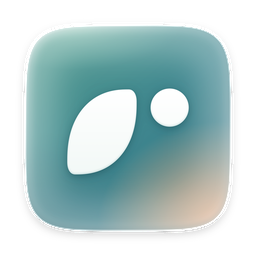
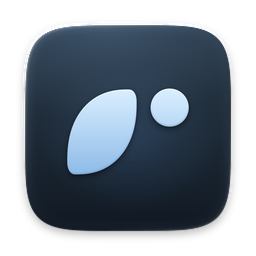
- Clear space: one dot diameter on every side of the mark, the wordmark or the lockup.
- Colour: on light grounds the leaf is sea glass, the dot sea-glass blue and the letters navy ink. Don’t recolour, rotate, stretch, outline or italicise them, give the dot a glow, or retype the name in a font.
- Ground: the paper files go on paper or white, the light files on dark grounds. Keep the mark off paintings.
Stills and the film
Real captures of Rill on a demo profile. Each opens at full size.
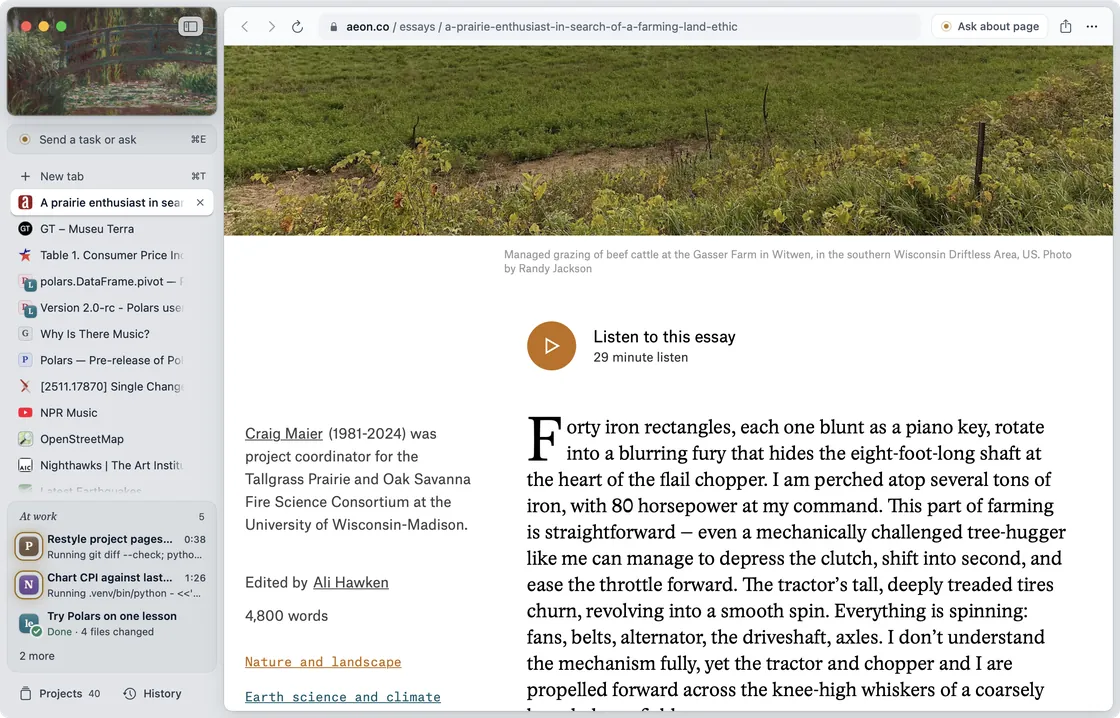
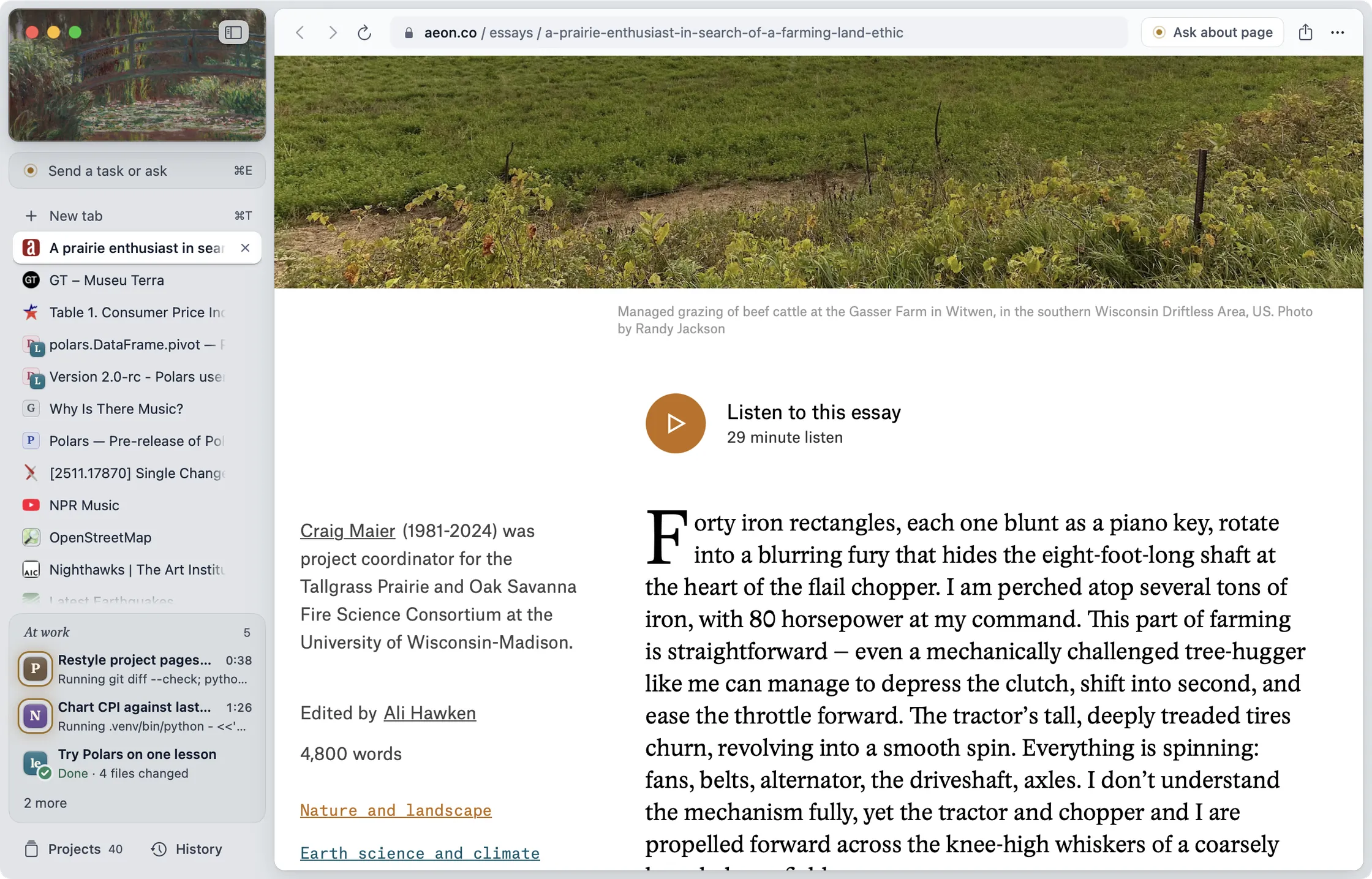
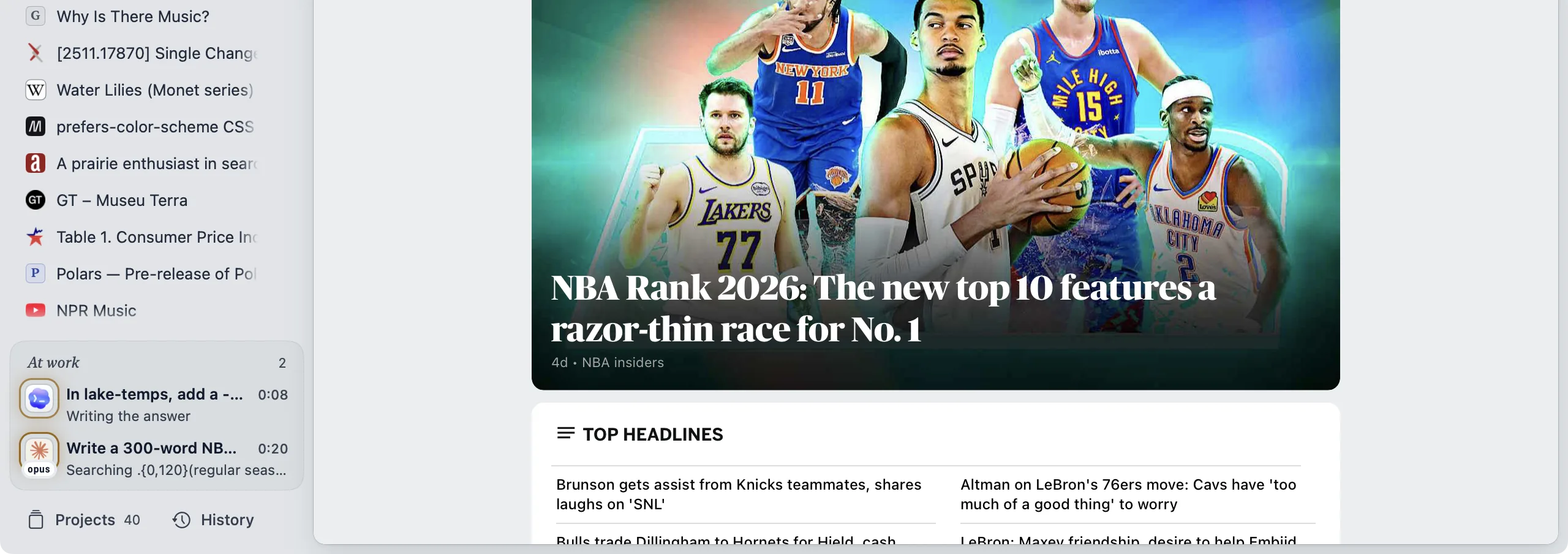
The window, two tasks at work 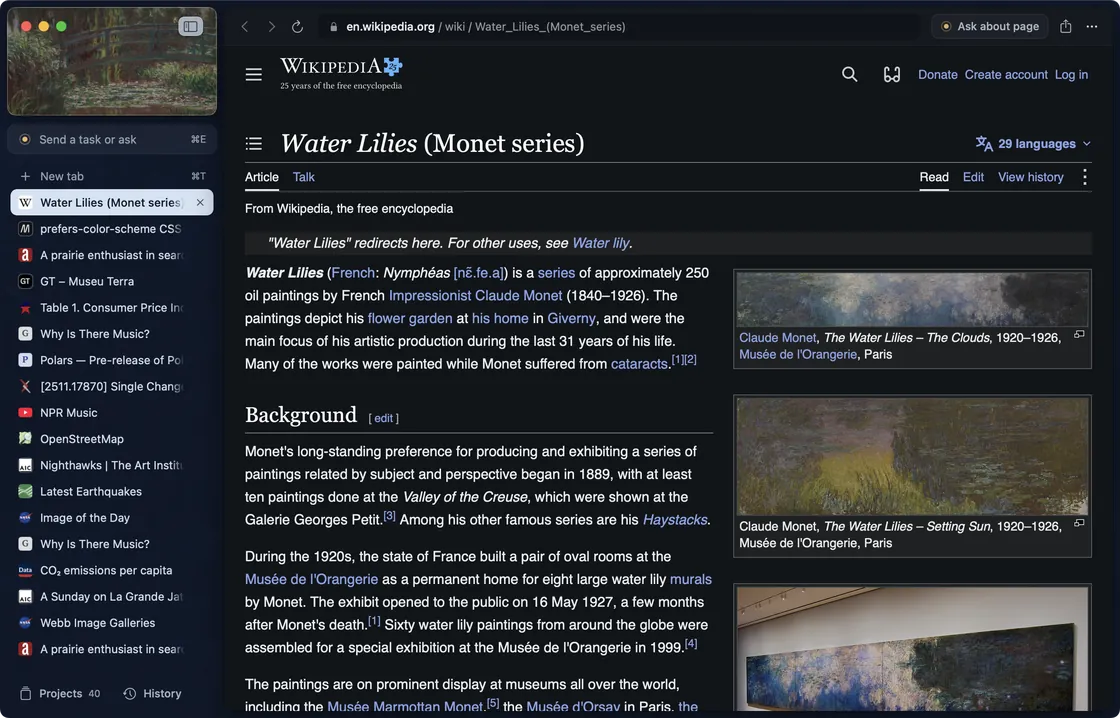
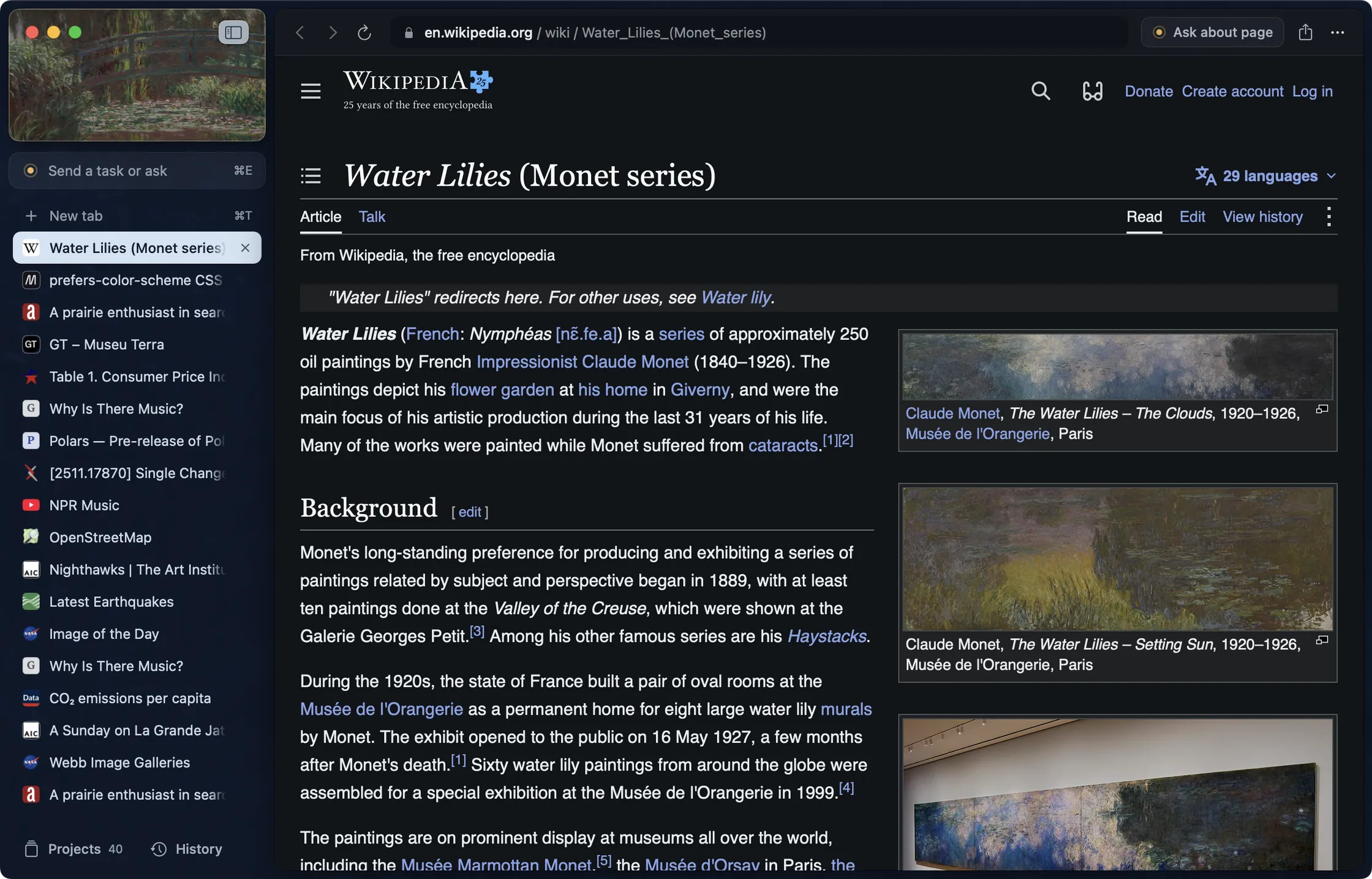
Dark mode, Water Lilies 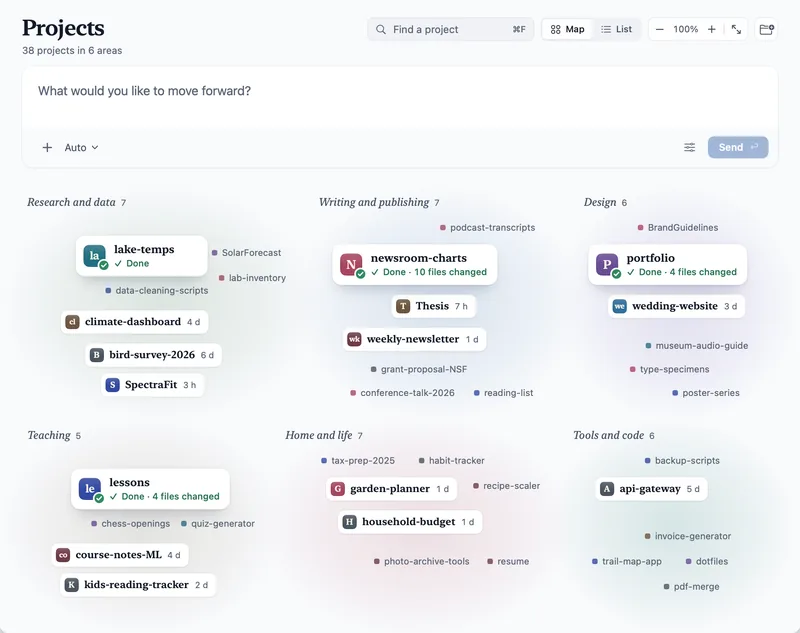
Your projects, on one map 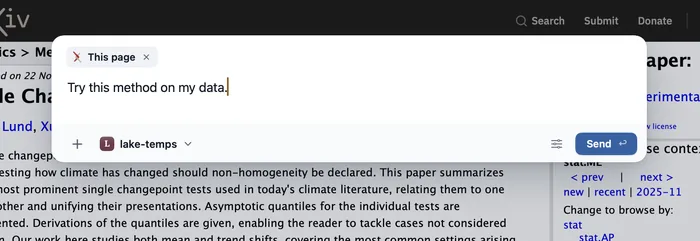
⌘E on any page 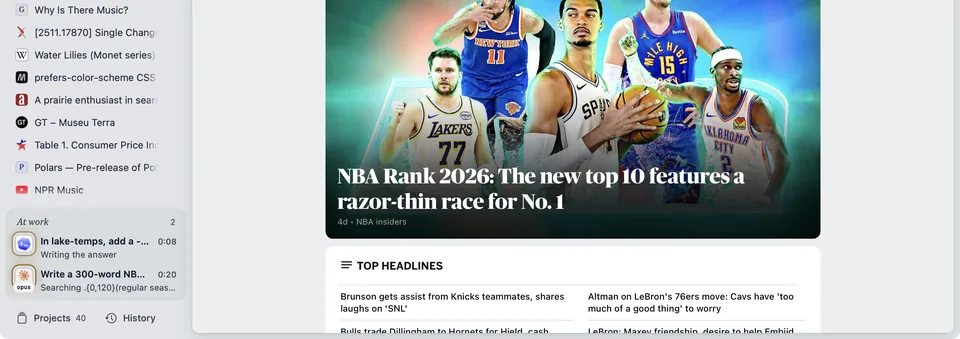
The At work tray 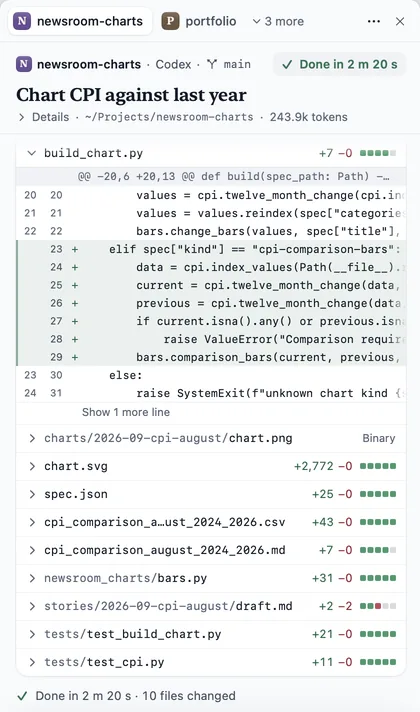
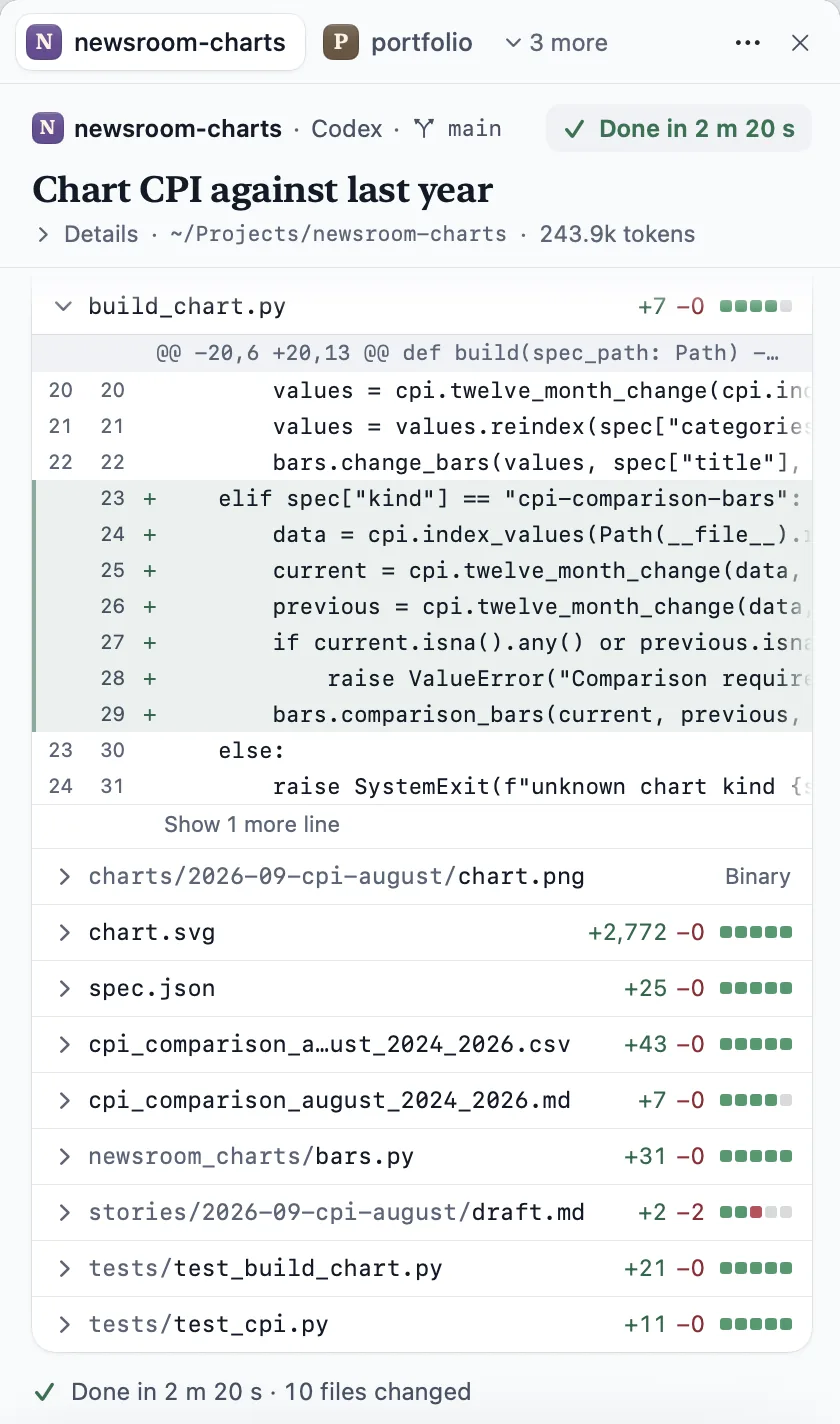
The change, file by file


The film. The launch film, made from real captures. Download the film (MP4).
Naming and credits
- The name
- Write Rill in sentences and “Rill browser” on first mention. The domain is rill.love, all lowercase. The lowercase rill is the drawn wordmark only, never typed.
- Paintings
- Claude Monet. Water Lily Pond, 1900. The Art Institute of Chicago. Also Claude Monet, Water Lilies, 1906; Alfred Sisley, A Turn in the Road, 1873; Jean Baptiste Camille Corot, Landscape, 1865/70. The Art Institute of Chicago. Public domain (CC0).
- Type
- This site: Inter and Source Serif 4. The social card: Crimson Pro and Inter. The wordmark: Instrument Sans SemiBold. All SIL Open Font License. The mark is drawn for Rill, and the wordmark is outlined, so neither needs a font.